
What is this?
Marketplace Atlas is a Chrome browser extension that overlays Facebook Marketplace search results with an interactive map. See exactly where listings are located without leaving the Marketplace page, and filter results by title or location at a glance.
🛒 Install from the Chrome Web StoreSee it in action
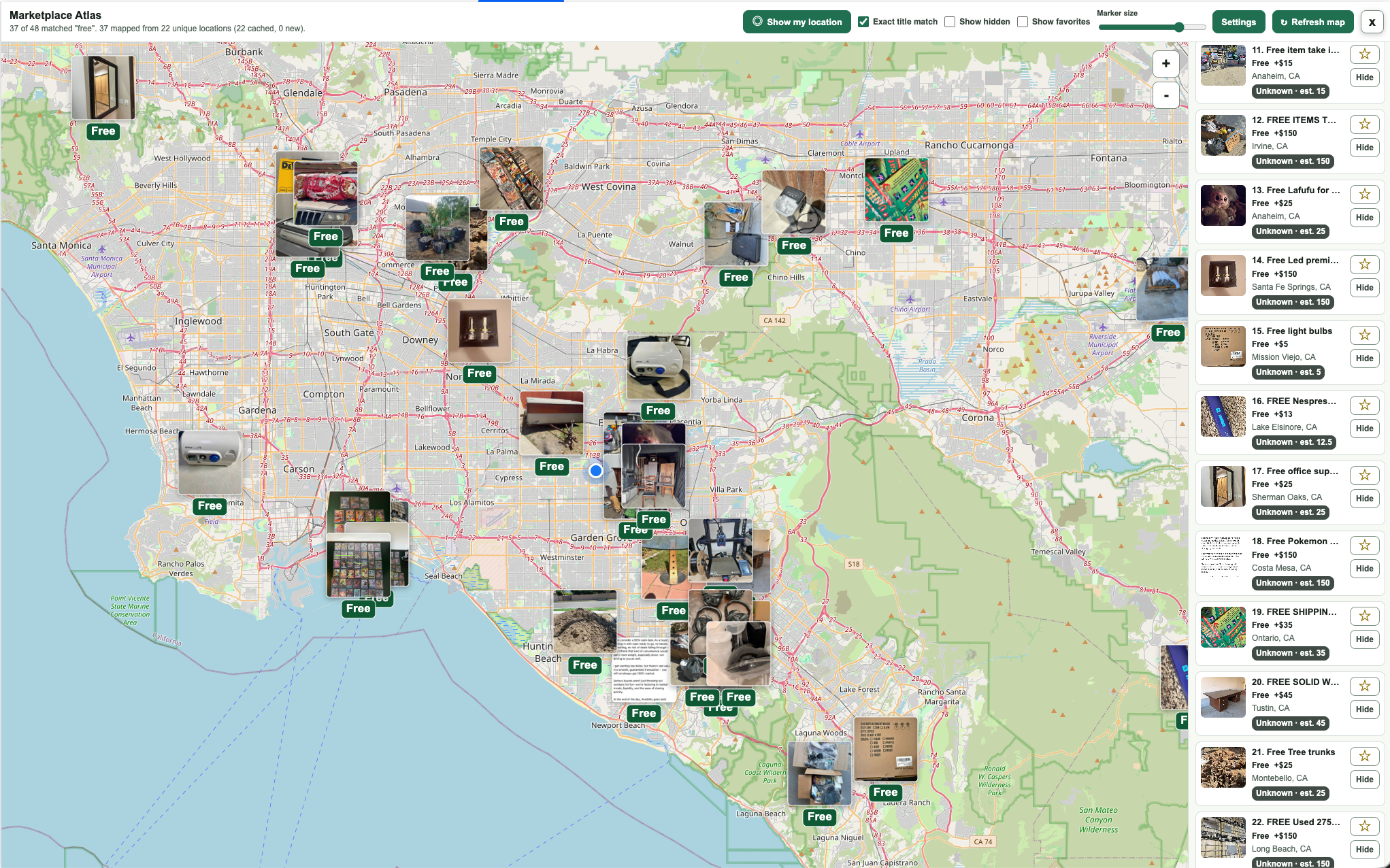
Find free stuff near you!
Search "free" and instantly see every giveaway plotted on the map — grab the best ones before anyone else.
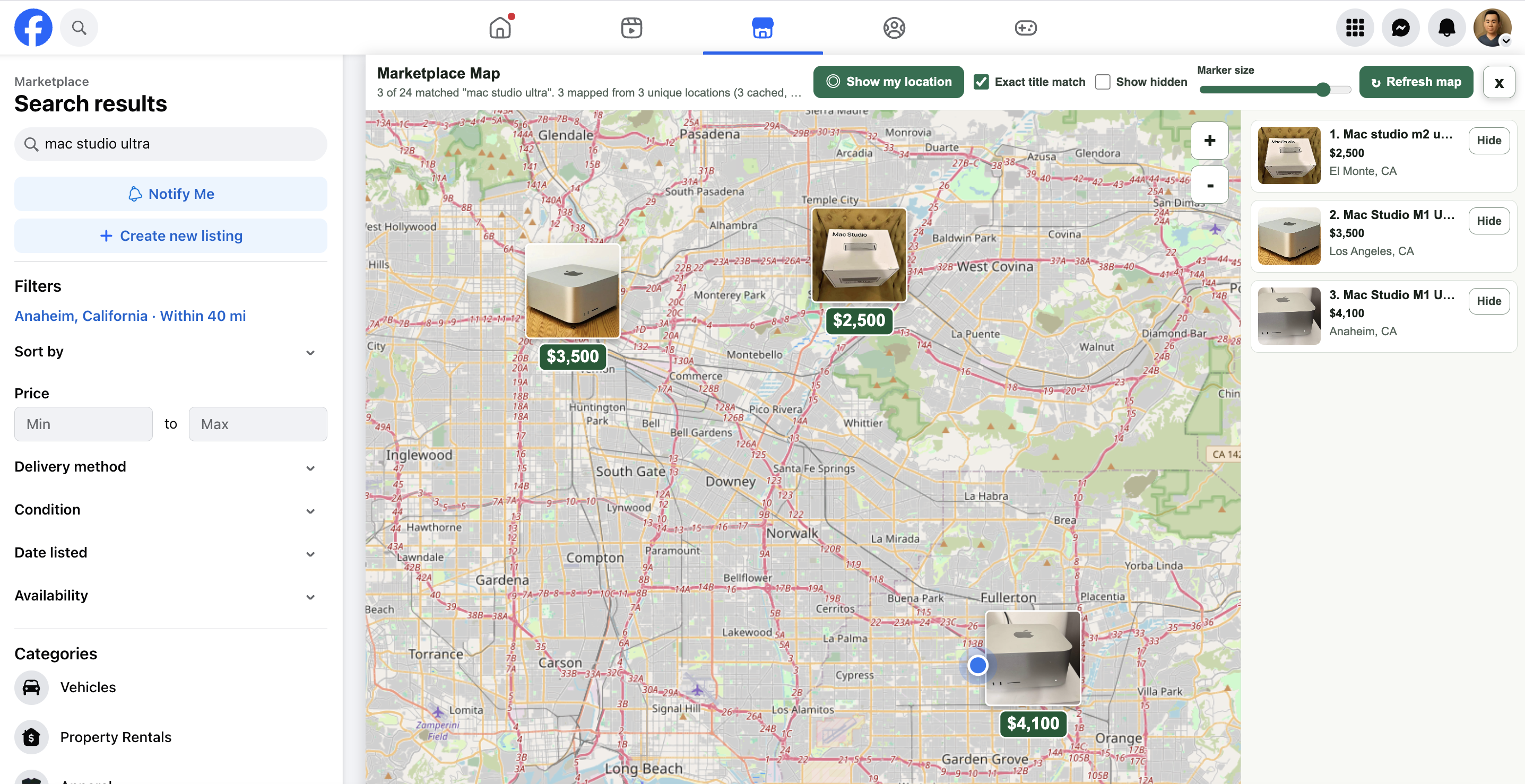
Hunt down hard-to-find tech.
Rare gear shows up in unexpected places. The map reveals listings you'd never find just scrolling a list.
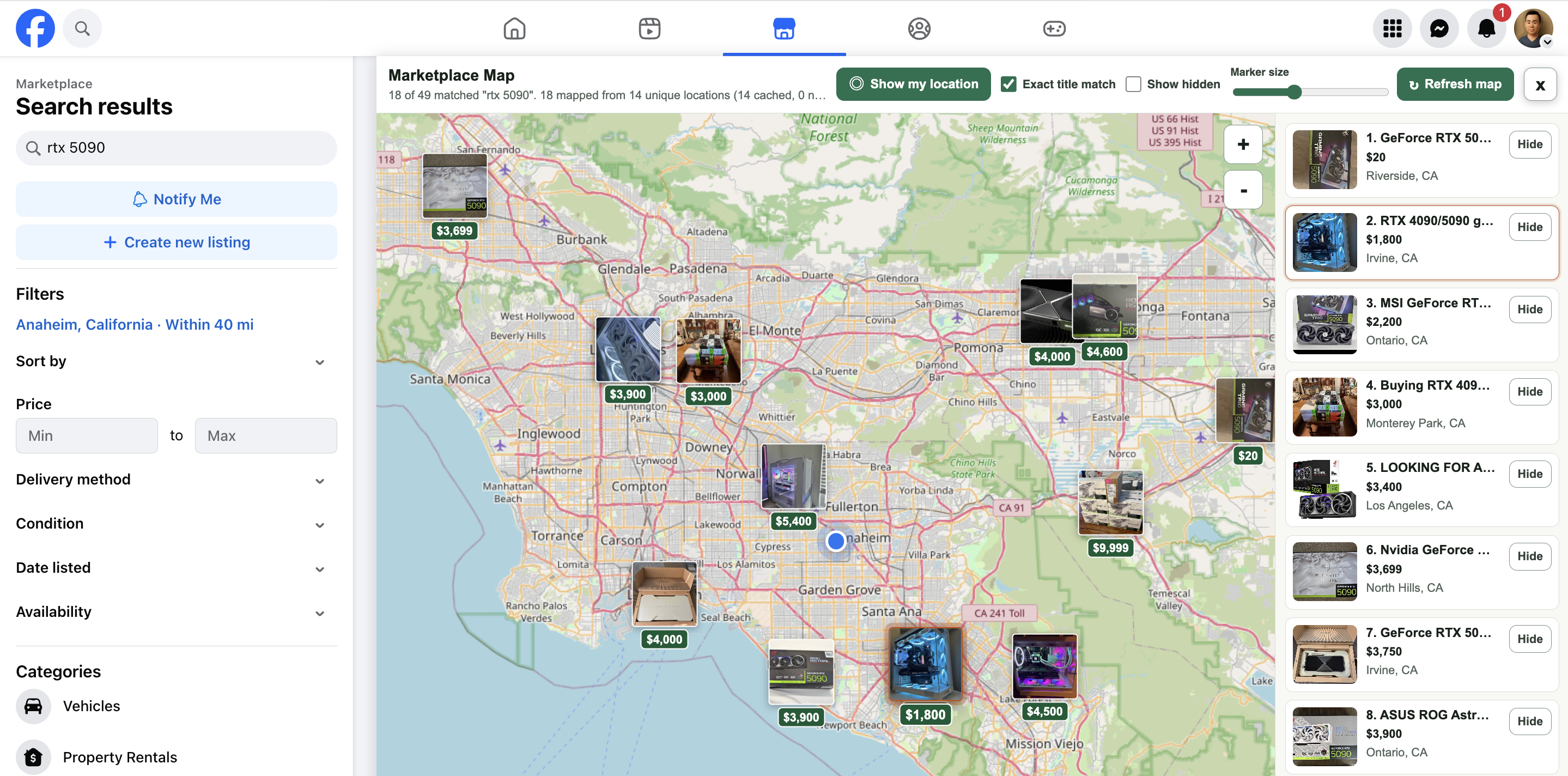
Spot the best deal closest to you.
Compare prices and distance at a glance — skip the long drives and go straight to the best value nearby.
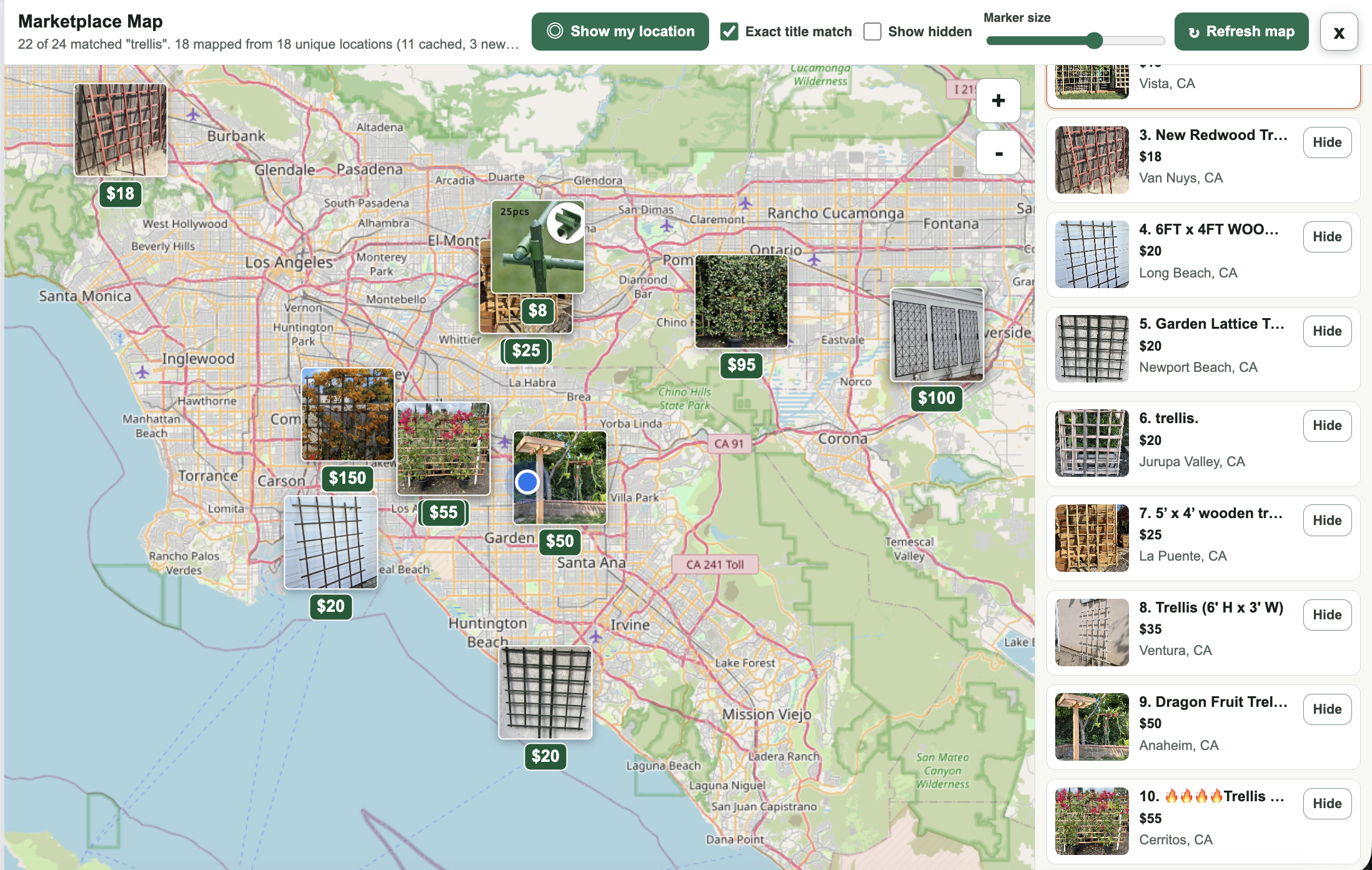
Shop local for home and garden.
From furniture to garden supplies, see exactly which neighbors are selling what — and how far away they are.
Use it
- Open Facebook Marketplace in Chrome.
- Search or browse until the listings you want appear.
- Click the Marketplace Atlas icon to show the map overlay.
- Use Facebook's left panel to change the search or filters.
- Click Refresh map after Facebook loads new results.
- Click Show my location to center the map on you (location permission required).
- Exact title match is on by default — turn it off to map every visible result.